
Build projects function a little differently from Design projects because they are designed to be accessed by an independent group from those who are using the Design features.
Even if a user has higher organisation level access they will need to be invited through this process to get access to a Build project and its signs.
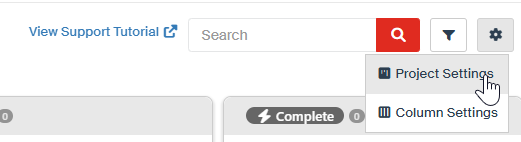
Access the Build project's settings from the top right corner of the Kanban interface.
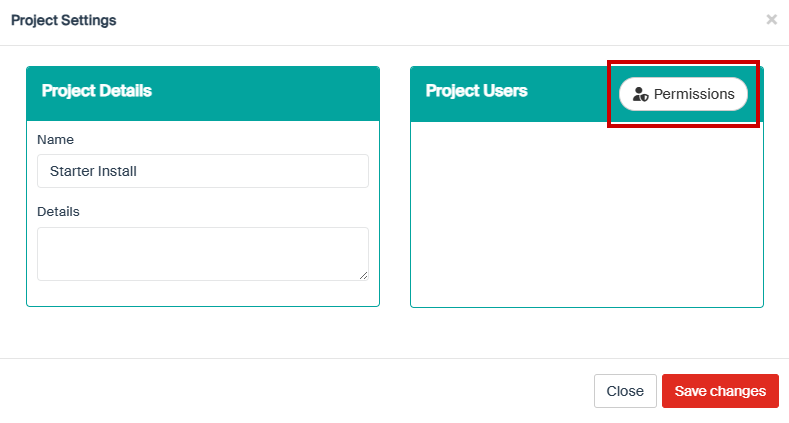
Select the "Permissions" button
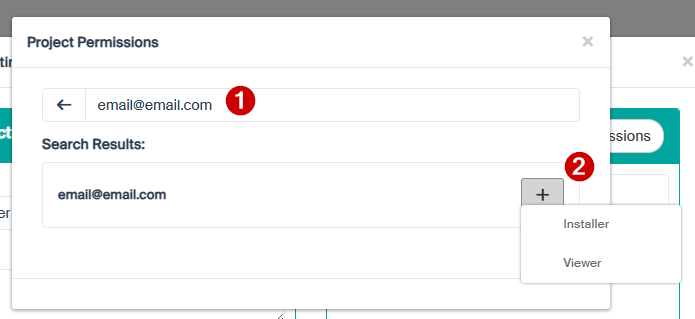
Add the User
-
Enter the user's email
- Click the + button and decide whether they will have editing permissions (Installer - requires a paid license) or be view only (viewer)
Save
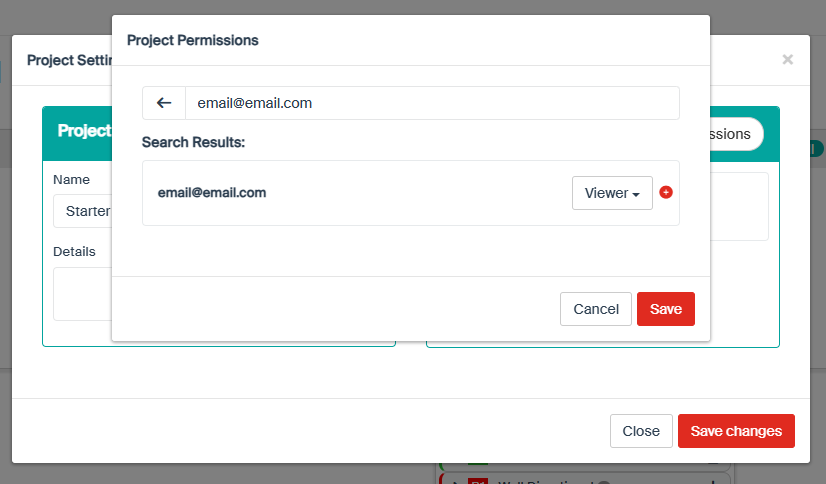
Select both "Save" buttons to save the permissions for that single user and then the permissions as a whole.