1. Turning on SSO
Before they are able to use SSO each user must activate it in their account with these basic steps:
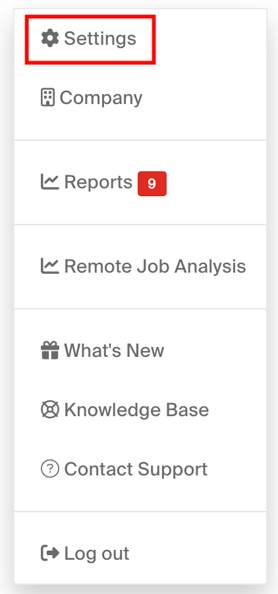
- First, navigate to your personal account settings from the drop down menu available on the top right of the page:
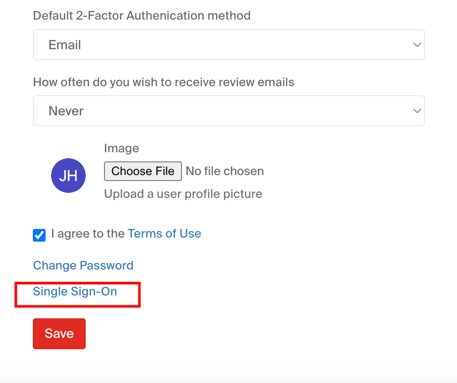
- Scroll down and select Single Sign-On:
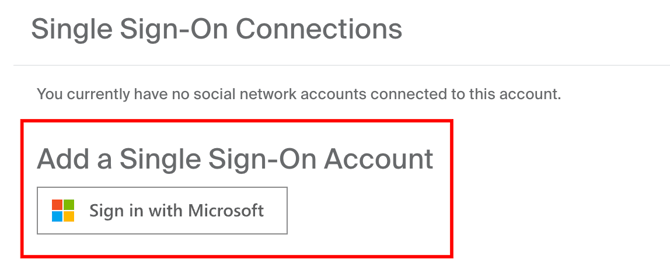
- Finally, select Add a Single Sign-On Account:
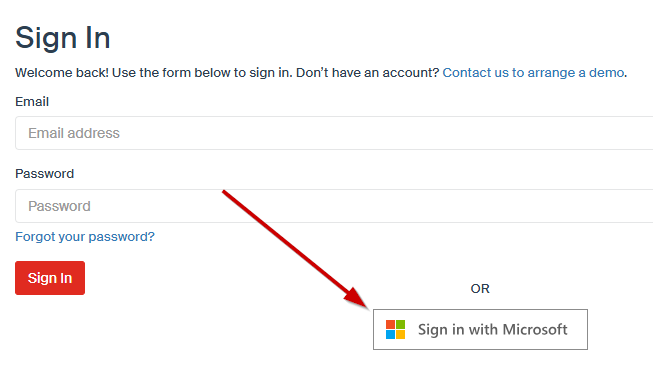
2. Signing In to SignAgent
When signing in, select "Sign in with Microsoft" and enter your credentials. Depending on your company settings, you may be prompted to validate using 2-Factor Authentication via Microsoft Authenticator or another method.